




Rodeoslot Mobile Access
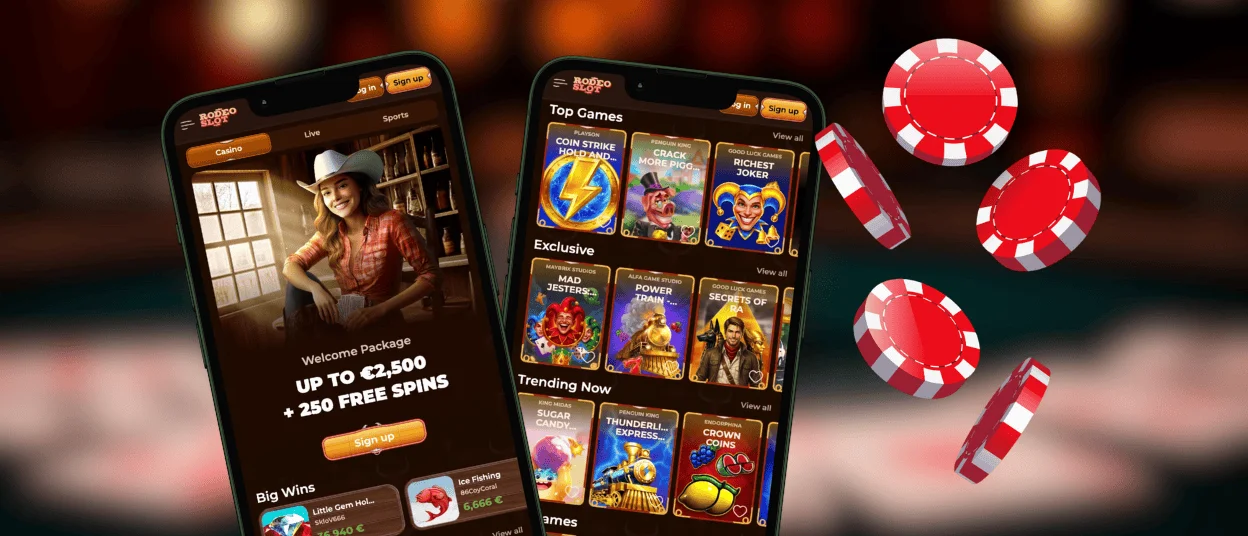
Playing on a phone or tablet can make online gaming easier, especially for users who prefer quick access without a desktop. The Rodeoslot app supports this format through a lightweight mobile solution that does not require a large download or unnecessary device permissions. Installation takes a short time and uses only a small amount of storage.



Using Rodeoslot on Mobile
Rodeoslot gives mobile users two ways to access the casino: a browser version and a progressive web app. Both options work on small screens, but they serve slightly different purposes.
The browser version is useful when players do not want to install anything. They can open the Rodeoslot Casino website from a phone or tablet in the same way as on a desktop browser.
The app format is more practical for regular use. It reduces several limitations of browser access, keeps the interface closer to a native application, and helps players return to the casino faster.
To make the difference clearer, it helps to compare how the mobile website and the PWA behave in everyday use.
Mobile website:
- Opening speed depends on the internet connection. If the network is weak, the page needs time to reload.
- Access usually goes through browser bookmarks, history, or a manually entered address.
- Updates require a manual page refresh before the newest version appears.
- Offline access works only if the page was already open before the connection was lost.
- An unfinished round may not continue correctly if the tab closes or the page refreshes.
- It does not require installation, although the browser can store cached files over time.
- HTTPS protects the website, but browser settings can also affect security.
- Deposits require the payment page to load each time.
PWA:
- The main screen opens quickly, even when the connection is unstable, while fresh data loads in the background.
- The shortcut appears on the home screen like a regular app icon.
- Updates run automatically in the background.
- Some Rodeo Slot sections remain available without an active internet connection.
- The session state is saved, so players can return to a game from the same point where possible.
- The app uses little storage, and cached data is handled automatically.
- Data works in an isolated environment instead of staying mixed with other browser tabs.
- The payment interface opens faster because key elements are already cached.
This setup makes the Rodeoslot app more convenient for mobile casino access. Main sections open faster, game progress is better protected during connection drops, and the app starts without repeated browser steps. It also uses device resources efficiently, which can help extend playtime before charging is needed.
Rodeoslot App for Android
On Android devices, the Rodeoslot app works much like a standard mobile application. It appears as a home-screen shortcut, opens with one tap, and removes browser elements such as the address bar from the interface.
Google Play is not required for this solution. The Rodeoslot app automatically updates player status and account information, so users do not need to adjust these elements manually.
PWA Architecture
Rodeoslot uses progressive web application technology to give mobile users a stable and flexible interface. This format lets the app adapt to different devices without requiring separate versions for each operating system.
| Adaptive element | How the PWA responds |
| Screen orientation | Adjusts the layout for vertical or horizontal use |
| Performance | Adapts to the device’s available resources |
| System gestures | Works with standard phone navigation controls |
| Language | Follows the selected language settings |
| Network availability | Keeps key interface elements accessible during unstable connections |
This means players do not need to open Rodeoslot Casino profile settings to configure the app manually. Push notifications are the only optional feature that the user must enable separately.
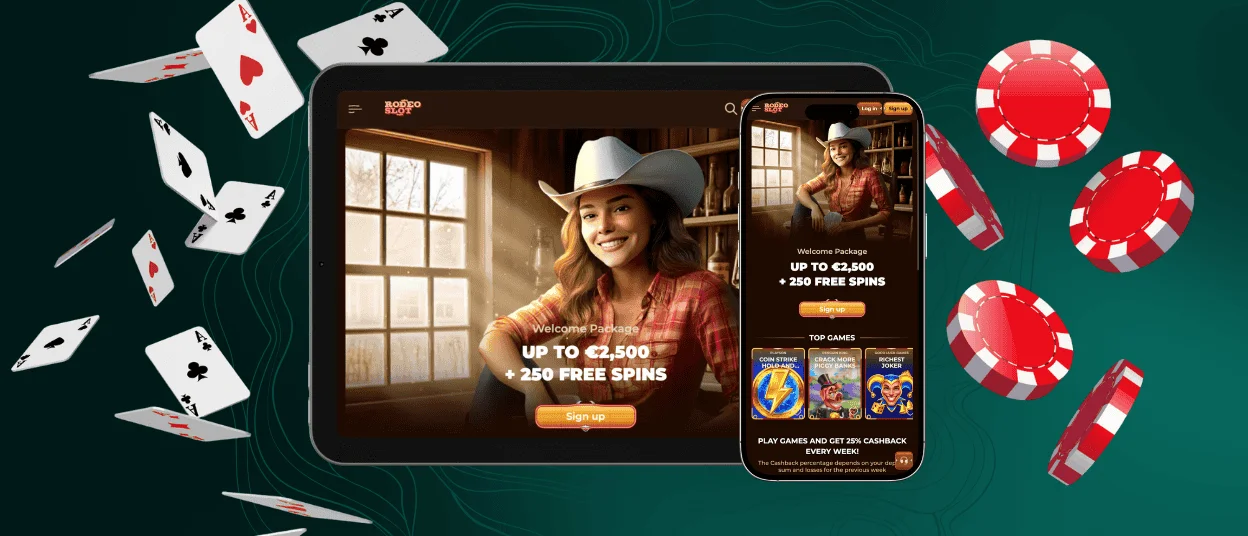
Rodeo Slot App for iOS
iPhone and iPad users can also add the Rodeoslot app to their device without using a store download.
| Step | Action |
| 1 | Tap the “Casino App” icon |
| 2 | Choose “Add to Home Screen” in the opened tab |
| 3 | Wait a few seconds for the shortcut to appear |
| 4 | Close the browser tab and check the phone menu |
| 5 | Tap the new shortcut to launch the Rodeoslot app |
| 6 | Log in and continue playing |
After installation, we recommend adding another access protection layer. Touch and hold the installed Rodeoslot Casino shortcut, then select “Require Face ID” if this option is available on the device.
Desktop App for Windows and macOS
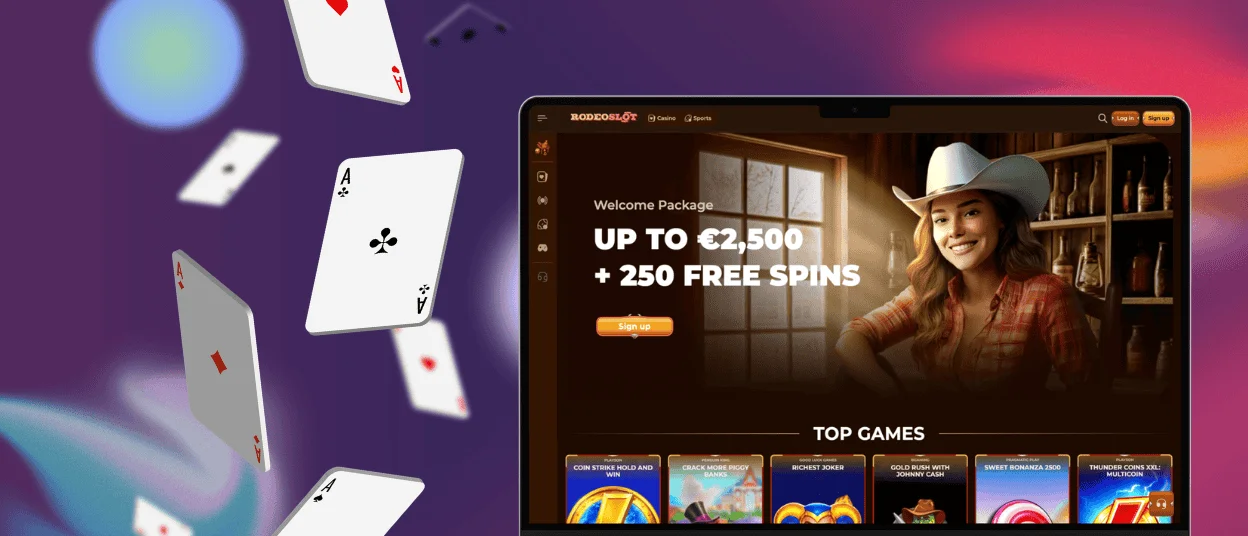
The Rodeo Slot app is not limited to mobile use. Players can run it in full-screen mode on desktop devices, including Windows and macOS computers.
After installation, a separate icon appears on the taskbar or in the system app area. It can be moved, pinned, or found through the operating system’s search function like other programs.
Removing the shortcut does not delete the app itself. If the icon disappears by accident, the account and gaming progress at Rodeoslot Casino remain unaffected.
FAQ
Do I need to create an account to use the app?
Rodeoslot does not require a new account from users who already have one. Existing players can log in through the app with their current credentials. We recommend that everybody register directly inside the Rodeoslot Casino application by completing the sign-up form and entering the required account details.
Can I filter games on my phone?
The Rodeo Slot mobile interface keeps the same game search logic as the browser version. Players can use the magnifying glass icon to search for titles and browse categories such as online slots, live casino games, and other available sections. The layout is consistent across mobile and desktop, making filtering easier for users who switch between devices.
Can I withdraw my winnings through the application?
Yes, you can request withdrawals through the Rodeoslot app. The payment section supports several payment methods, including bank cards, cryptocurrencies, and other options. Before the first withdrawal, the account must pass verification. Players who have issues with this step can contact support through the live chat button.


